
Transition from cFolders to Technical Data Management Transformation (TDMT)
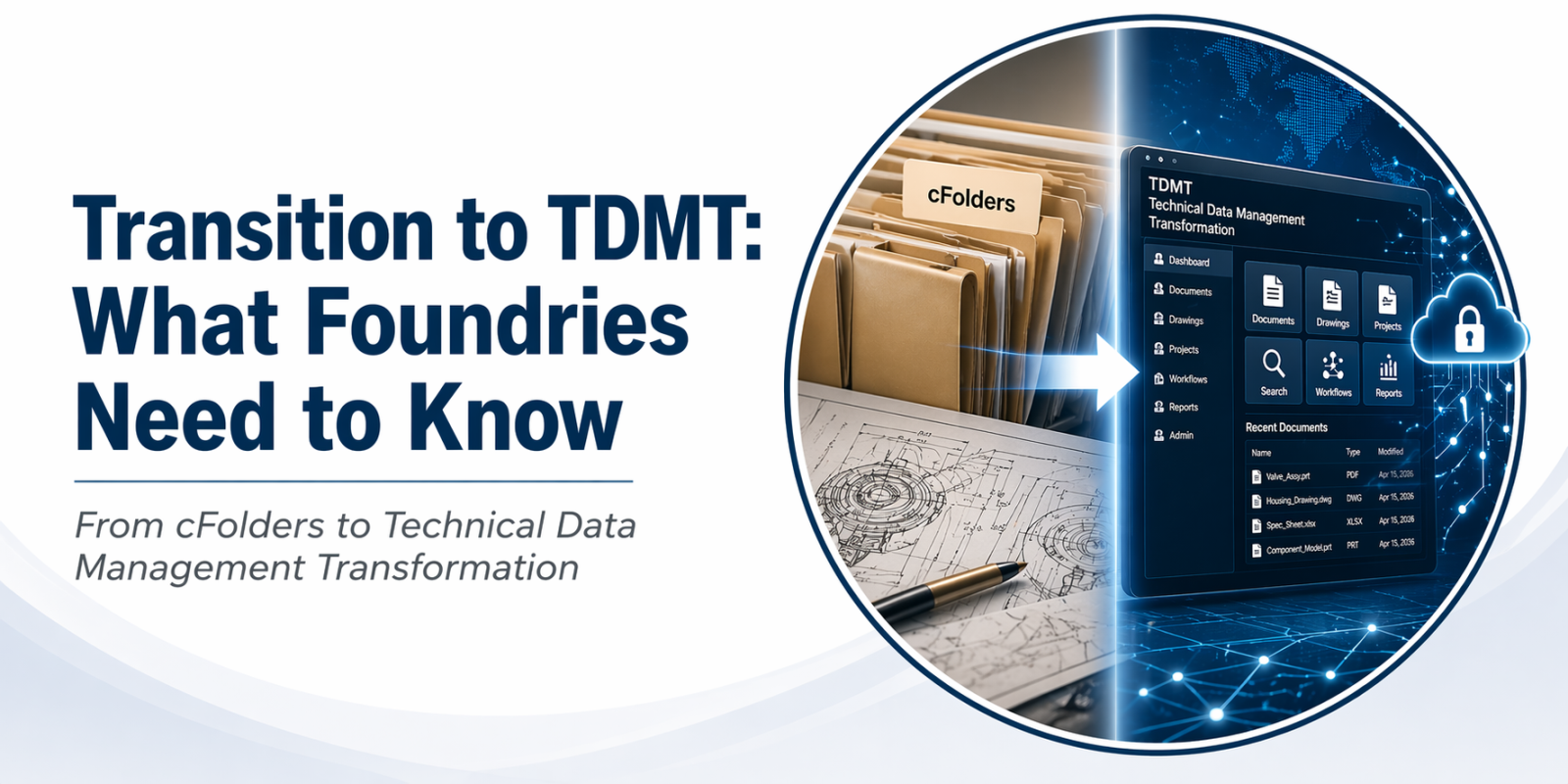 The foundry industry continues to evolve, and with it comes the need for better, more efficient ways to manage technical data. One of the latest steps in this direction is the transition from cFolders to a new system called Technical Data Management Transformation (TDMT).
This article explains what that means, why it’s happening, and what you can expect—using clear, simple terms.
Why the Change?
cFolders has been a useful tool for managing technical documents, drawings, and collaboration. However, as technology advances and data needs grow, newer systems offer:
- Faster performance
- Easier access to information
- Better collaboration tools
- Improved security and data control
TDMT is being introduced to meet these needs and to support future growth across engineering and manufacturing environments
What is TDMT?
Technical Data Management Transformation (TDMT) is a modern approach to handling technical documents and engineering data. It is not just a replacement for cFolders—it’s an upgrade in how data is stored, shared, and used.
With TDMT, users can expect:
- A more user-friendly interface
- Centralized access to technical files
- Improved version control (knowing you have the latest file)
- Better integration with other systems
In simple terms, TDMT helps teams find the right information faster and work together more efficiently.
What’s Happening Now?
The Technical Data Management Transformation (TDMT) system will be deployed very soon. This transition means that the Defense Logistics Agency (DLA) will move from cFolders to TDMT to manage procurement-related technical data.
While an exact deployment date has not been formally announced, organizations should begin preparing now for the change.
What Vendors Need to Do
Commercial vendors who require access to DLA technical data will need to take a few important steps:
1. Register in AMPS
Vendors must create an account in the DLA Account Management and Provisioning System (AMPS).
Instructions for creating an account:
https://amps1.dla.mil/pdfs/New%20User%20Registration.pdf
2. Use Okta Multi-Factor Authentication
Once registered, users will access TDMT through DLA’s Okta Multi-Factor Authentication (MFA) system.
Instructions for using Okta:
https://prov.amps1.dla.mil/pdfs/DLA%20Single%20Sign%20On%20User%20Guide.pdf
3. Access TDMT
When the system is released, TDMT will be available through the DIBBS Home Page, or directly at: https://tdmt.dla.mil
4. To ensure a smooth transition, vendors and users should:
- Register in AMPS as soon as possible
- Review Okta authentication requirements
- Stay informed through DLA communications
- Be ready to complete training once available